

Snapmaker U1 vs Bambu P1S
Early Multicolor Printing Results: Time, Waste, and Workflow
I recently received my Snapmaker U1—a brand-new, Kickstarter-backed multicolor printer priced at $799—and one of the first things I wanted to test was how it stacks up against a known, proven machine I already trust: the Bambu Lab P1S.
This isn’t a teardown or a sponsored review. It’s a practical comparison using the same model, same scale, and similar settings to see how each system handles multicolor printing—specifically time, material waste, and overall efficiency.
The Test Model: Fallout Vault Boy (160mm Tall)
For this test, I used a Fallout Vault Boy model scaled to 160mm tall, printed in multiple colors.
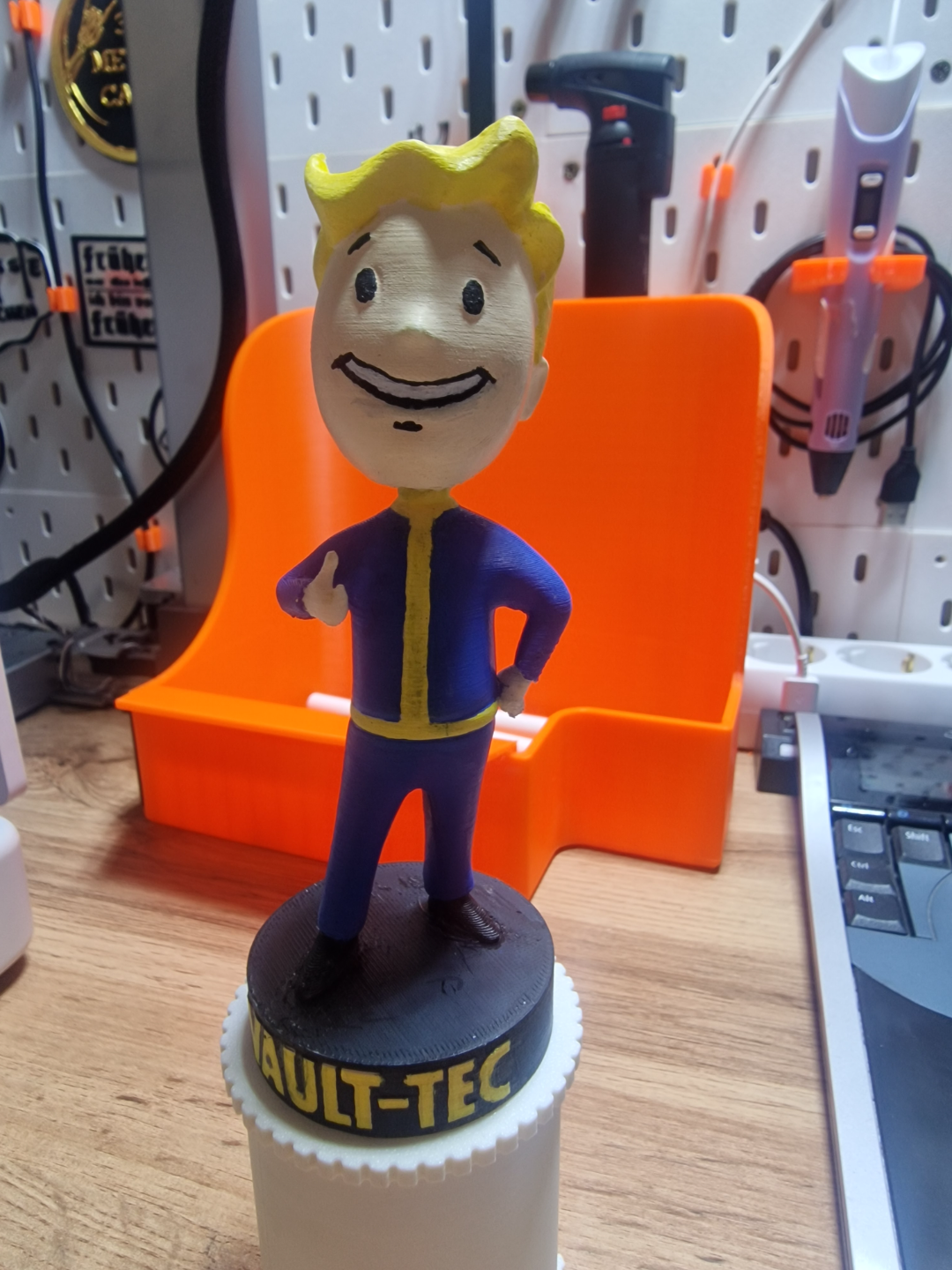
Both slicers were run in preview/simulation mode using comparable layer heights and standard PLA profiles.
This kind of model is a great stress test for multicolor systems:
-
Frequent color changes
-
Tall vertical geometry
-
Visible surfaces where waste and seams matter
Key Difference: How Each Printer Handles Color Changes
Snapmaker U1 – Toolhead Swapping

The Snapmaker U1 uses separate, docked toolheads. When a color change is needed, the main carriage physically moves, parks the current toolhead, and grabs the next one.
Result:
-
Minimal purging
-
Almost no “poop” filament
-
Color changes happen mechanically, not by flushing material
Bambu P1S – Filament Purging
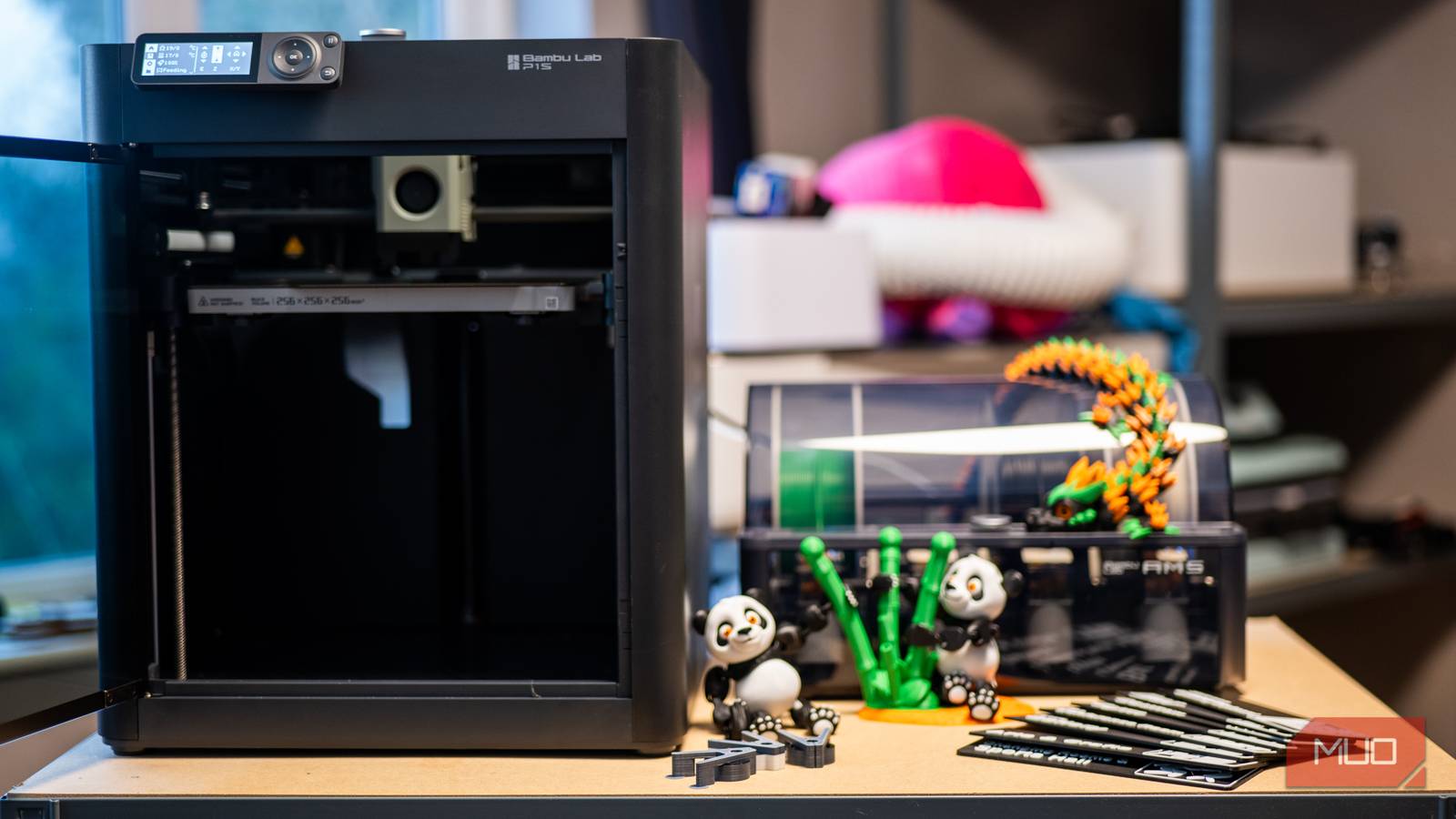
The Bambu P1S relies on filament swaps through a single hotend. Each color change requires purging the previous filament before printing the next layer.
Result:
-
Reliable and proven
-
Noticeable purge waste
-
Extra time added for every color transition
To be clear: the P1S is still an excellent printer. It’s been rock-solid for me for years. This is just a fundamental difference in multicolor strategy.
Slicer Results: Time & Filament Use (Simulation)
Snapmaker U1 (Simulation)
-
Total print time: ~8 hours
-
Total filament used: ~150 g
-
Flushed / wasted filament: Minimal

Bambu P1S (Simulation)
-
Total print time: ~28 hours
-
Total filament used: ~265 g
-
Flushed filament: Significant portion of that total

In this specific test, the Snapmaker U1 is clearly ahead in both print time and material efficiency—at least on paper.
What This Means (So Far)
Early takeaway:
For multicolor prints with frequent color changes, the Snapmaker U1’s toolhead-swapping approach looks very promising.
However—and this is important—these are slicer simulations.
The real test is:
-
Actual print reliability
-
Toolhead docking consistency
-
Color alignment accuracy
-
Long-term wear and maintenance
That’s where proven machines like the Bambu P1S have already earned their reputation.
Next Step: Real Prints on Both Machines
I’m running physical prints on both printers using this same model and will follow up with:
-
Real print times
-
Actual filament waste
-
Finished part quality
-
Any issues or surprises
I’m not replacing anything yet. I’m testing, measuring, and letting the results speak.
If you’re a maker, educator, or small shop owner who cares about multicolor efficiency, this new class of tool-changing printers is absolutely worth watching.
More soon.
— Chris
Crisco Designs